What Is CPQ? The Four Quoting Problems It Solves for Manufacturers
Key takeaways
CPQ (configure, price, quote) software validates option combinations, calculates prices and produces quotes from defined rules. In manufacturing the problem is rarely the arithmetic but the judgement, and CPQ turns that judgement into rules.
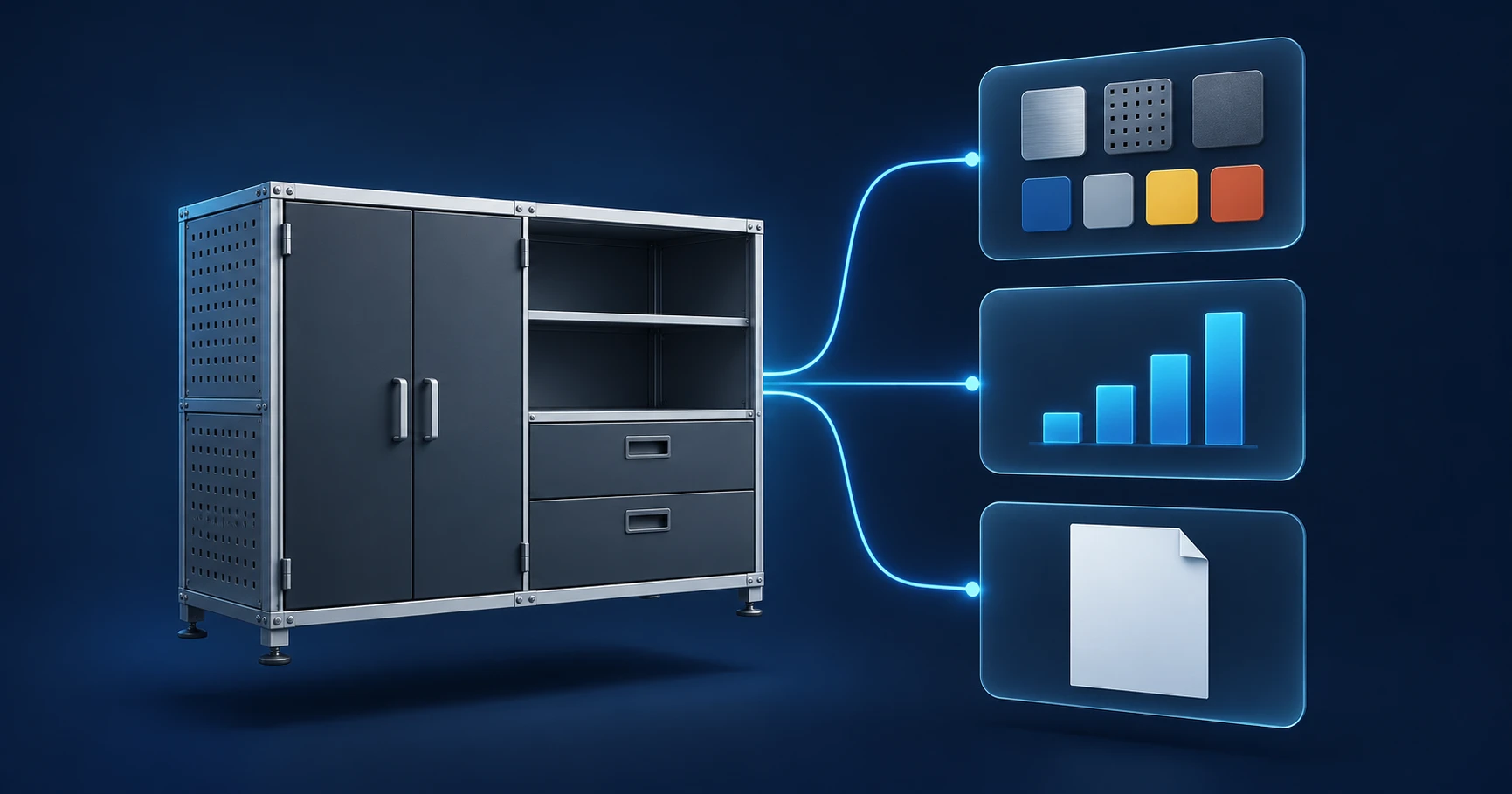
What CPQ means
CPQ stands for configure, price, quote. When a sales rep or a buyer picks product options, CPQ software checks that the combination can actually be built, calculates the price from defined rules, and produces the quote.
If it were only about multiplying unit price by quantity, a spreadsheet would do. CPQ earns its place in judgement: can this option be combined with that one, which pricing terms apply to this customer, is this quote safe to send as it is. The core of CPQ is handing those decisions to rules instead of to someone's memory.
The three jobs CPQ does
Configure: only buildable combinations can be chosen
Made-to-order products combine size, material, modules and accessories into hundreds or thousands of variants. Some options cannot be used together, and some parts are only needed above a certain size.
In a spreadsheet quote, multiplying price by quantity almost never goes wrong. Mistakes come from the cells someone fills in by judgement. Miss one customer requirement or misread a specification, and the arithmetic is right but the product cannot be built. CPQ reduces this by taking options as defined choices rather than free text and by blocking combinations that break the rules from the start.
Price: the same price, whoever quotes
In many companies, discount rates, minimum order quantities and option prices live with people rather than in a written policy. Over time, the same specification ends up priced slightly differently depending on who quoted it and for which customer.
CPQ keeps pricing and discount rules in one place. Customer-specific terms are registered as rules too. When the policy changes, one rule is updated, and only exceptions such as discounts beyond policy go to approval.
Quote: only validated configurations become quotes
For industrial products, a quote is hard to take back once it is sent. So checking and re-checking before sending, and management approval, become standard steps. Interpreting requirements, designing and costing all need expert knowledge, so few people can do the job.
With CPQ, only configurations that pass the rules become quotes, which takes most of the checking load off standard configurations. Approval can then focus on what really needs judgement: new designs and exception pricing.
A worked example: a modular conveyor
The following is a hypothetical example to illustrate the idea; the numbers are for explanation only.
Say a manufacturer sells modular belt conveyors. Buyers can choose:
| Option | Choices |
|---|---|
| Length | 2 m, 4 m, 6 m |
| Belt width | 400 mm, 600 mm |
| Motor | 0.75 kW, 1.5 kW |
| Safety guard | None, one side, both sides |
That is already 36 combinations. Then the build rules come in:
- A 6 m conveyor can only use the 1.5 kW motor.
- A 600 mm belt on a 6 m conveyor needs a frame reinforcement kit.
- Safety guards come in one set per metre of length.
Suppose a buyer asks for "6 m, 600 mm, 0.75 kW". Someone who knows rule 1 will suggest changing the motor; someone who doesn't will quote it as asked, and the problem only surfaces just before production.
In CPQ, as soon as 6 m is selected, 0.75 kW can no longer be chosen; picking 600 mm adds the reinforcement kit to the BOM and the price automatically; and the guard quantity follows the length. What CPQ changes is not calculation speed but the situation where only people who know the rules can quote correctly.
CPQ and ERP: when items keep multiplying
CPQ pays off most alongside an ERP. The ERP manages inventory, production and accounting after an order is confirmed; CPQ handles configuration, pricing and the quote before that.
When the two are disconnected, a familiar pattern appears. Every new option combination made for a customer is registered in the ERP as a new item. When the next customer asks for something similar, people rely on memory and create another item rather than finding the existing one. Repeated over time, similar and duplicate items pile up until they are hard to find at all, and the ERP becomes less useful.
CPQ identifies a configuration by its option combination, so the same combination reuses the existing item. The confirmed quote flows straight into the ERP order and production data.
Who needs CPQ, and who doesn't yet
CPQ pays off when:
- you sell made-to-order products where size, material, modules and accessories vary per customer
- sales and engineering go back and forth several times per quote
- quotes queue up behind a few experienced people and stop when they are away
- similar items keep multiplying in your ERP
If you only sell fixed products with no options, or quote a handful of times a month, a price list and a quote template may be enough. CPQ needs up-front work to write the rules down, so it only makes sense when that effort is smaller than the repeated work it removes.
What to sort out before adopting
Most of a CPQ rollout is not software setup but rule definition. If you can answer these, you are halfway there:
- Which options cannot be combined, and what are the size limits?
- Where do option costs and prices live, and who can change them?
- Under what conditions are discounts and exception prices applied, and who approves them?
- When a quote is confirmed, how are the BOM and the ERP item created?
Rather than covering every product from day one, teams usually start with one product that gets many quote requests and has complex options. How far to automate the whole quoting process is covered step by step in quote automation for manufacturers.
FAQ
How is CPQ different from ERP?
ERP manages inventory, production and accounting after an order is confirmed. CPQ handles the step before that: configuration, pricing and the quote. Connected, a confirmed quote becomes the ERP order and production order.
Isn't a spreadsheet enough?
For the arithmetic, yes. The difference is judgement. A spreadsheet is only accurate if the person using it knows the rules, and as files drift apart between people, the same specification ends up with different prices. With many option combinations and changing staff, keeping the rules in a system is safer.
Does CPQ remove the approval step?
It does not remove it, but it narrows it. Standard configurations that pass the rules become quotes straight away; only exceptions such as discounts beyond policy or new designs go to approval.
Can we start if our rules are not documented?
Most companies start exactly there. The rules are drawn out by working through real quotes with experienced sales and engineering staff, and once written down they stay with the company when people move on.
How do CPQ and 3D configurators relate?
CPQ validates the configuration and calculates the price; a 3D configurator lets people see that configuration. When both use the same rules, what the buyer sees and what the quote says never disagree. See what is a 3D configurator.
How VIVAR does it
VIVAR by Planningo combines CPQ with a 3D configurator and AI specification extraction. Option and pricing rules live in one place, and the configuration a buyer builds in browser 3D flows into the quote, the BOM and the ERP order under the same rules. Manufacturers using VIVAR cut quote time from about 3 days to about 4 minutes, and a specialty vehicle manufacturer reached 99.9% configuration accuracy. You can try live configurators in the portfolio.
See it with your own product
Browse live 3D configurators built with VIVAR, or book a 30-minute demo to see quote automation on your own product.